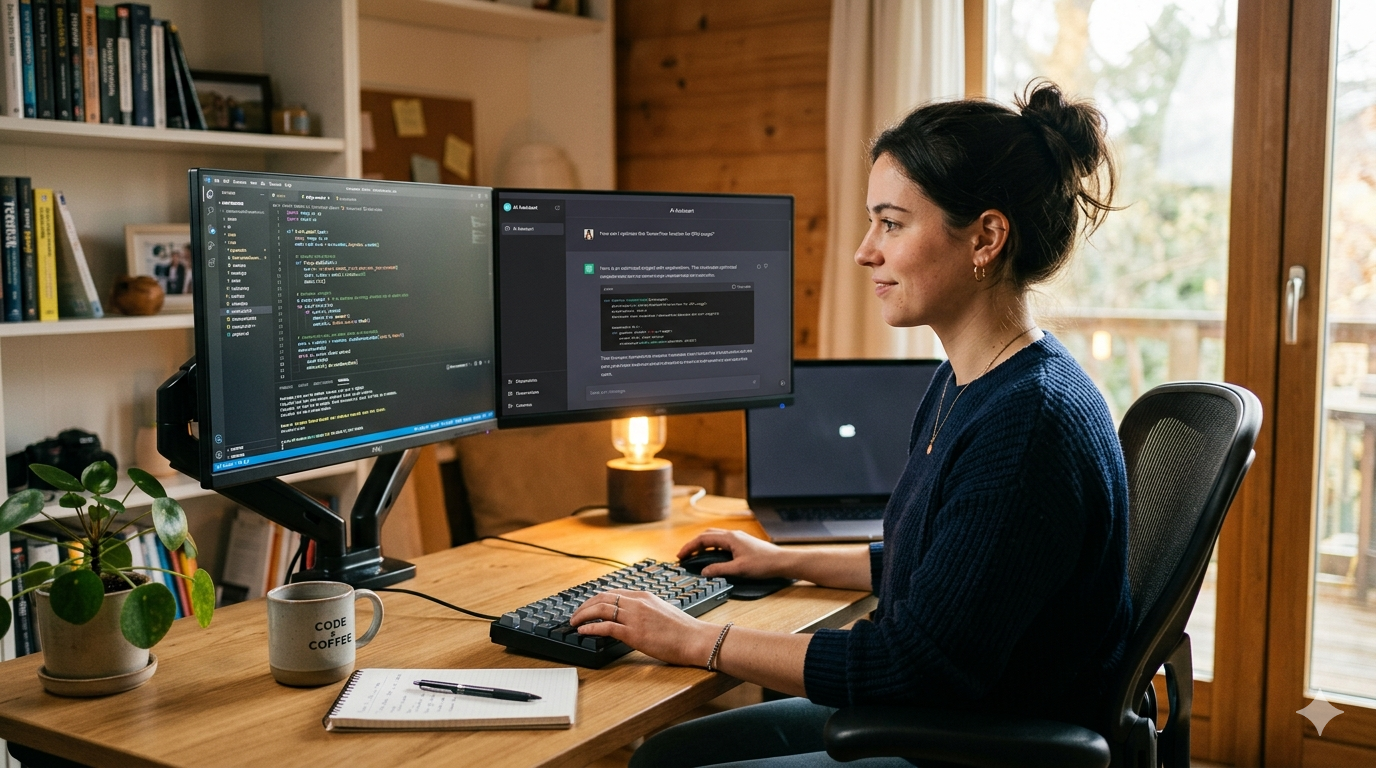
The Shift Already Happening in Dev Teams
Not long ago, pair programming meant pulling up a chair beside a colleague, sharing a screen, and thinking out loud together. It was powerful - but expensive in time and coordination. Then AI changed the equation.
In 2025, GitHub Copilot alone reported over 1.8 million paid subscribers, and surveys from Stack Overflow showed that 62% of developers were already using or planning to use AI coding tools. By 2026, that number isn’t just growing - it’s becoming the baseline expectation in most engineering teams.
AI pair programming isn’t a productivity hack anymore. It’s becoming a professional standard.
What Is AI Pair Programming, Really?
At its core, AI pair programming is the practice of working alongside an AI model - in real time - to write, debug, refactor, and review code. Think of it less like autocomplete and more like having a brilliant junior developer who never gets tired, never gets defensive about feedback, and has read every documentation page ever written.
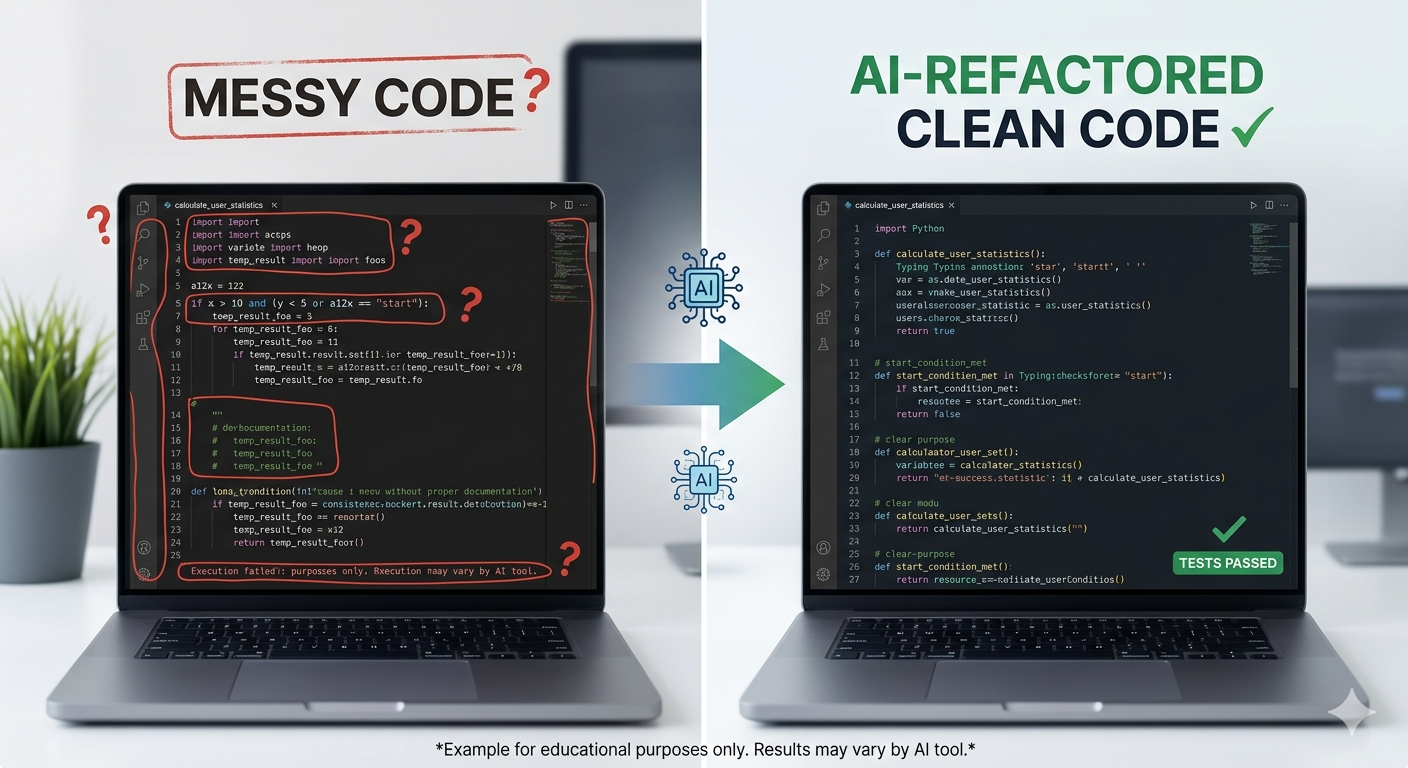
You write a comment/prompt describing what you need:
# Function to fetch user data from API and cache it for 10 minutes
And your AI pair offers:
import requests
import time

_cache = {}
_cache_time = {}

def fetch_user_data(user_id: str, ttl: int = 600) -> dict:
    now = time.time()
    if user_id in _cache and now - _cache_time[user_id] < ttl:
        return _cache[user_id]

    response = requests.get(f"https://api.example.com/users/{user_id}")
    response.raise_for_status()
    data = response.json()

    _cache[user_id] = data
    _cache_time[user_id] = now
    return data
It’s not perfect every time - but it gives you a solid starting point in seconds, not minutes.
Why 2026 Is the Tipping Point
Three forces are converging this year to make AI pair programming non-negotiable.
1. The speed gap is widening. Developers who use AI tools are shipping features measurably faster. A 2025 McKinsey study found that AI-assisted developers completed coding tasks up to 45% faster than those working without assistance. In competitive product environments, that gap is career-defining.
2. Code reviews are getting smarter. AI isn’t just writing code - it’s catching bugs, flagging security vulnerabilities, and suggesting optimizations during the development cycle rather than after. Tools embedded directly into IDEs now surface issues before a single line hits version control.
3. The learning curve is flattening fast. Early AI coding tools required prompt engineering skills most developers didn’t have. Today’s tools understand context, remember project-specific patterns, and respond to natural conversational instructions. The barrier is nearly gone.
It’s Not Just for Junior Developers
There’s a common misconception that AI coding tools are a crutch for beginners. Senior engineers are among its biggest power users - not because they can’t write code, but because they’d rather spend their mental energy on architecture, tradeoffs, and system design than boilerplate.
A staff engineer debugging a memory leak doesn’t need AI to understand the problem. They need it to surface the relevant stack traces, generate test cases for edge scenarios, and handle the documentation. That’s a force multiplier - and experienced developers feel it immediately.
How to Start Today
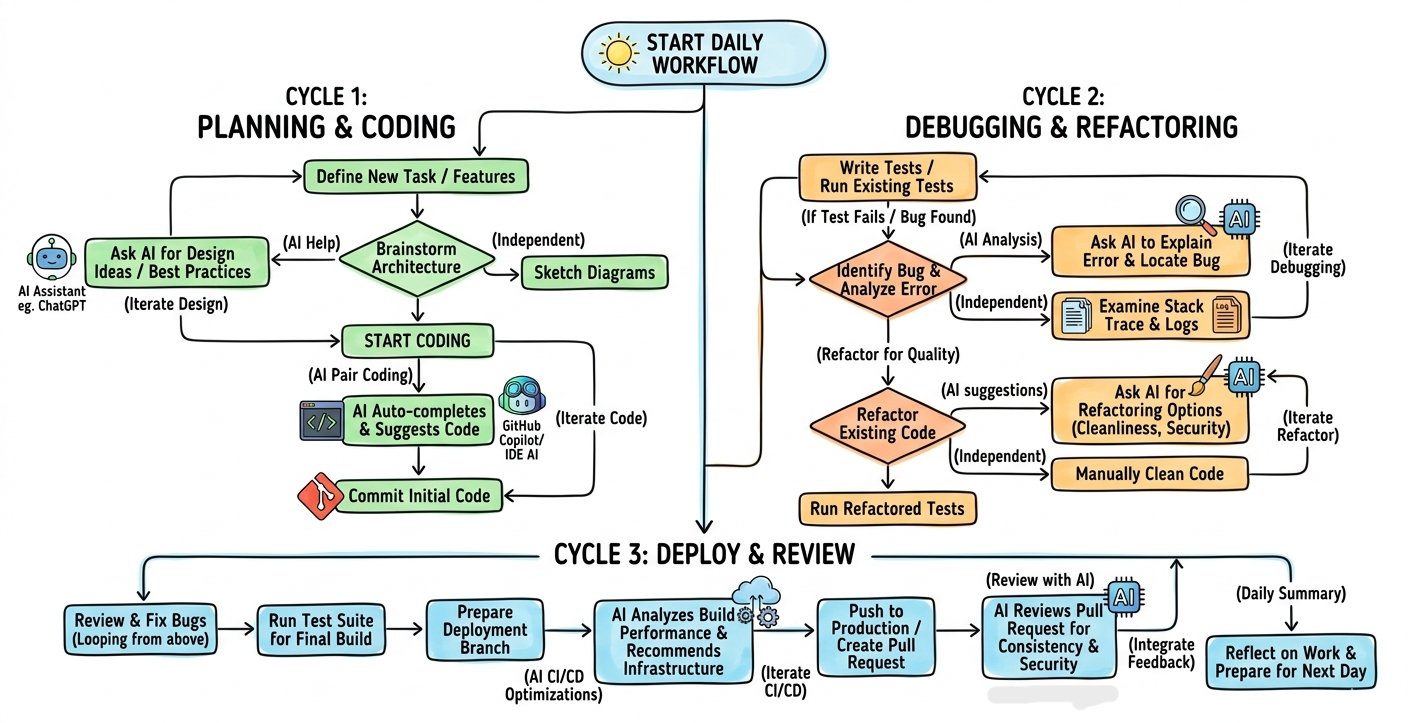
You don’t need to overhaul your workflow overnight. Start small:
- Install a tool - GitHub Copilot, Cursor, or Claude in your IDE
- Use it for tests first - Ask it to generate unit tests for code you’ve already written
- Refactor with it - Paste in a function and ask: “How would you simplify this?”
- Treat it like a conversation - The more context you give, the better the output The developers who thrive in 2026 won’t be the ones who resist AI - they’ll be the ones who learned to direct it.

Comments