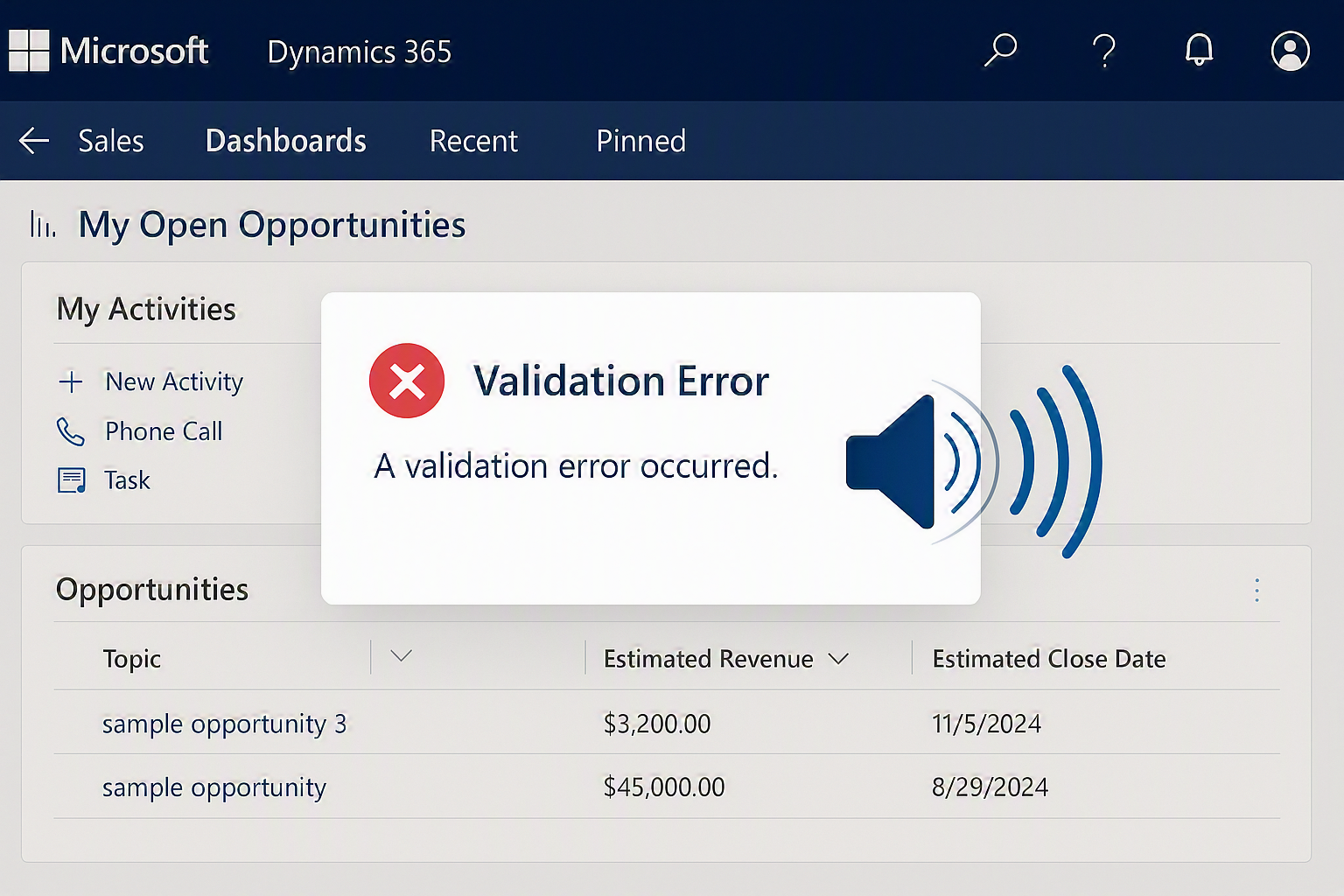
A few days ago, I came across a trending tweet where someone asked for a VS Code extension that plays a loud “Faaaaaaaaah” sound whenever an error occurs while coding.

A few days later, when I checked the VS Code extensions marketplace, I noticed several extensions built for exactly that purpose.
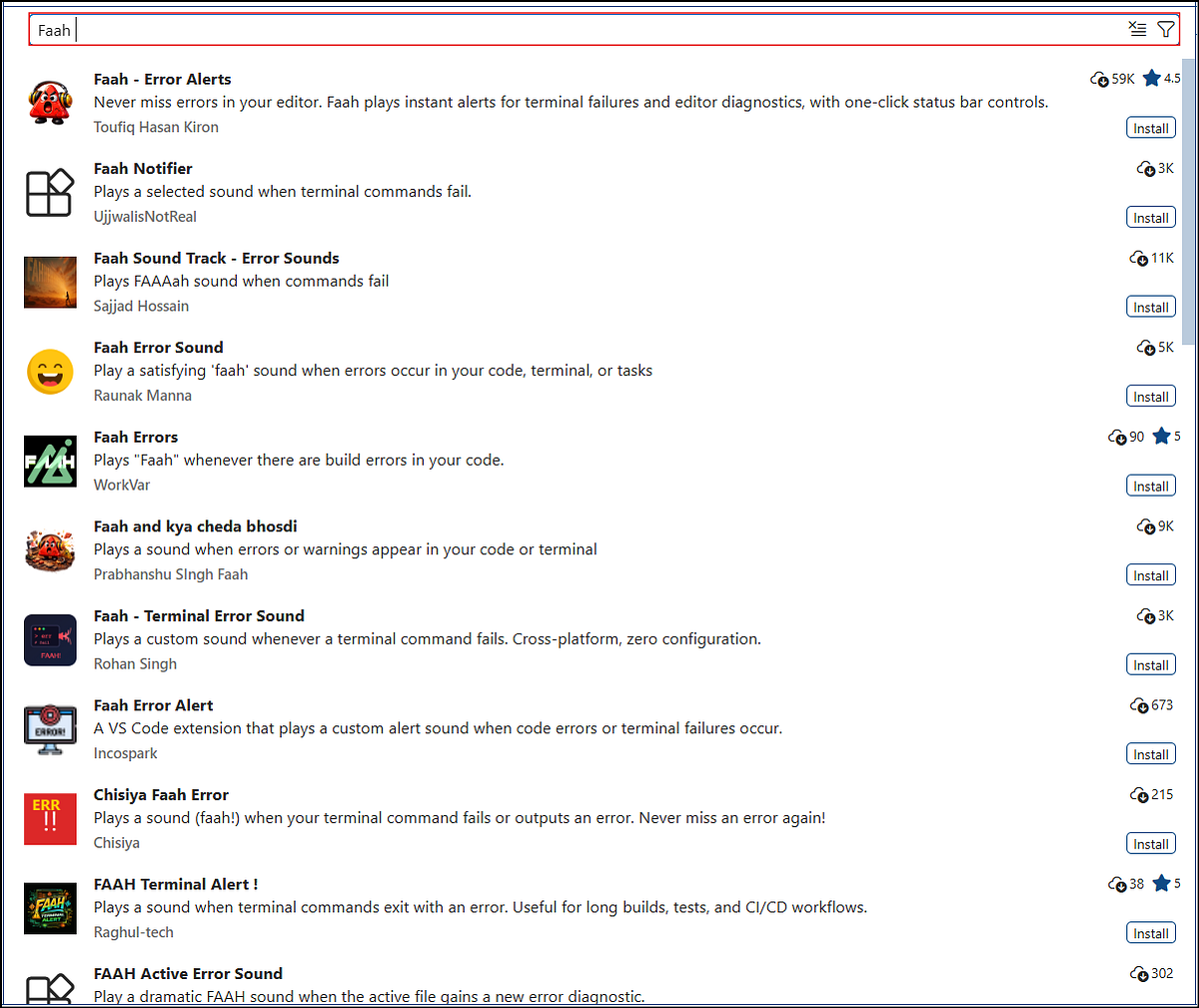
That sparked a thought: “What if we could play a sound effect for validation errors in Dynamics 365 CE?”
Since audio files like .mp3 are not supported directly in Dataverse web resources, we can work around this limitation by renaming the file extension to .png or .jpg and uploading it as a web resource.
After uploading the file, we can create a JavaScript web resource to handle the playback of the audio whenever a validation error occurs.
I downloaded two sound effects:
- One for a positive outcome
- One for a negative outcome (error)
Using the below JavaScript function, we can trigger these sounds based on validation results.
Since the same validation logic is applied to multiple fields, we can use the below reusable function for the OnChange event.
To identify which field triggered the event, we use executionContext.getEventSource().getName(). This helps us dynamically fetch the field’s logical name and apply the appropriate error notification.
For demonstration purposes, I used the Appointment form and attached the function to the OnChange event of:
- First Name
- Last Name
Whenever a validation error occurs, a sound effect is played, enhancing the user experience.
While this approach may not be suitable for all production scenarios, it’s a creative and fun way to explore the extensibility of Dynamics 365 CE.
If you found this interesting, you may want to check out my other blogs as well!
See the demonstration video below




Comments